Learn Maya 3D from scratch — navigate 3D space, model, texture, light, and render your first scene.
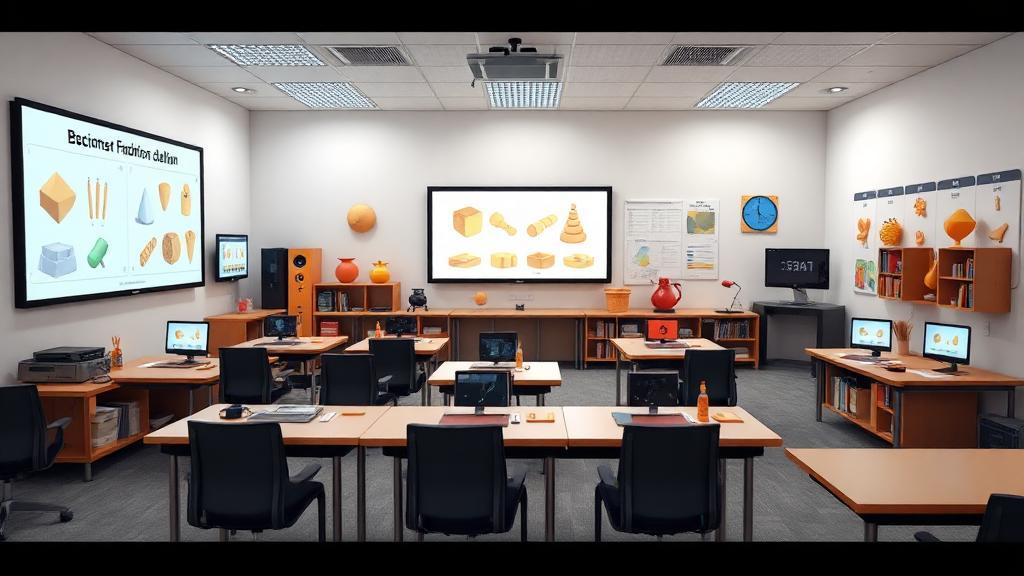
DigiAura's 3D Fundamentals course is the recommended starting point for any student new to 3D software and the professional 3D production pipeline. Using Autodesk Maya — the industry-standard 3D application at film VFX studios, animation houses, and game developers worldwide — you will learn to navigate 3D space with confidence, create polygon geometry with proper topology, apply materials and shaders to your models, set up basic lighting rigs, and render your scenes with Arnold. The course also covers the professional 3D pipeline from asset modelling through UV mapping and texturing to final render output, giving you a practical understanding of how 3D work integrates into a broader production workflow. This foundational knowledge is the essential prerequisite for every advanced 3D course at DigiAura.
DigiAura's 3D Fundamentals course teaches Maya — not a simplified or consumer 3D application. Starting on professional software ensures that every subsequent hour of practice builds directly towards industry-relevant skills, with no need to relearn tools when you advance to specialised 3D courses or enter a studio environment.
This program focuses on both the artistic principles and technical application across the four core phases of 3D production.
In just 2 months, you will possess the core knowledge and vocabulary to understand the complete 3D pipeline. This foundational course is the launchpad that prepares you for specialized training in Animation, VFX, Game Art, or Architectural Visualization.
The 3D Fundamentals course provides a comprehensive introduction to 3D software and production concepts, covering the core skills needed to begin any 3D specialization: navigating 3D space, polygon modelling basics, UV mapping, material and shader application, basic rigging concepts, lighting setups, rendering fundamentals, and understanding the 3D production pipeline. It is the essential starting point before choosing a 3D specialization.
The 3D Fundamentals course uses Autodesk Maya as the primary 3D application — the industry-standard software at film VFX studios, game studios, and animation houses worldwide. You will learn Maya's interface, modelling tools, material and shader editors, basic rigging tools, Arnold renderer, and how to organize and export scenes for use in production pipelines.
The 3D Fundamentals course is ideal for complete beginners to 3D who want a solid grounding before specializing, students who have enrolled in broader programs (like the Specialist Program) and need foundational 3D skills, and creative professionals from graphic design, photography, or film who want to add 3D to their skill set. It is the recommended starting point for anyone new to Maya and 3D production workflows.
The 3D Fundamentals course provides the foundation of skills — modelling, materials, lighting, rendering — that all specialized 3D courses build upon. After completing fundamentals, you can advance to specialized courses in Modeling, Texturing & Lighting; 3D Animation & Rigging; 3DFX Simulation; or the 3D Animation & Game Development course, each of which assumes the baseline Maya proficiency established in this course.
Contact DigiAura directly for current schedule and duration details for the 3D Fundamentals course. The program is structured to efficiently establish the core 3D concepts and Maya proficiency needed to progress to specialized training. DigiAura's project-based approach ensures you are building usable portfolio work from the beginning of the course.
