Master narrative editing, colour grading, and audio mixing in Premiere Pro and DaVinci Resolve.
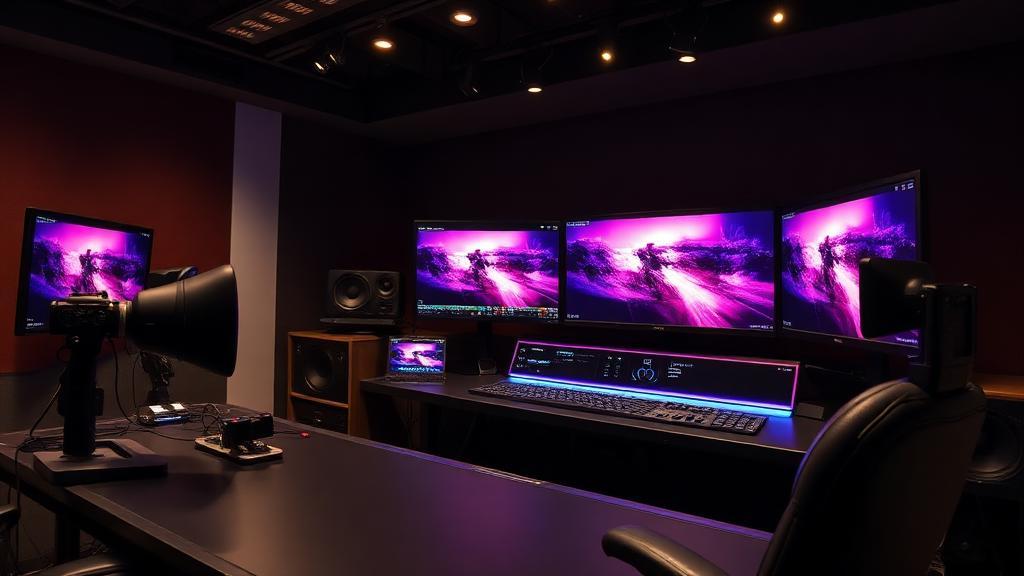
DigiAura's Professional Video Editing course is a comprehensive 3-month program that develops both the artistic craft and technical proficiency required for broadcast-quality post-production. You will master the complete editing pipeline: footage organisation, rough cut assembly, narrative rhythm and pacing, J/L cuts and advanced transition techniques, audio editing and dialogue cleanup, sound mixing for cinematic impact, colour correction and creative colour grading in DaVinci Resolve, basic motion graphics and title sequences in After Effects, and final export for broadcast, cinema, and streaming delivery. Editing is one of the most universally employable creative skills in the industry — every brand, media company, OTT platform, and content creator depends on skilled editors. DigiAura's course trains you on both Adobe Premiere Pro and DaVinci Resolve, ensuring you are prepared for any production environment.
DigiAura teaches DaVinci Resolve's colour grading tools as a core component of the editing curriculum — not as an optional extra. Colour grading proficiency significantly increases an editor's market value, as studios prefer editors who can deliver a polished, graded final product rather than a raw cut that requires separate colour work.
You will possess the artistic sensibility and technical proficiency to confidently deliver broadcast-ready content, complete with a professional showreel showcasing diverse projects.
The 3-month Professional Video Editing course covers the full post-production pipeline: narrative assembly and pacing, continuity editing and visual storytelling, professional NLE software (Adobe Premiere Pro and DaVinci Resolve), audio editing, dialogue cleanup and sound mixing, J/L cuts and advanced transition techniques, color grading fundamentals, basic motion graphics and title design, and final export for broadcast, cinema, and web delivery.
Adobe Premiere Pro is an industry-standard NLE widely used in advertising, corporate video, documentary, and YouTube production, with strong integration into the Adobe Creative Suite (After Effects, Photoshop). DaVinci Resolve is the industry-leading platform for color grading, used on major feature films and streaming productions, and also includes a full NLE. The course covers both so you are prepared for any professional production environment.
Video editing training opens careers as Video Editor, Film Editor, Post-Production Editor, Content Editor for streaming platforms, YouTube Editor, Advertising Editor, Corporate Video Producer, and Freelance Editor. Video editing is one of the most universally employable creative skills — virtually every brand, media company, and content creator needs skilled editors, and the streaming boom has dramatically increased demand across all production levels.
Color grading is the artistic process of adjusting the color, contrast, and tone of video footage to achieve a specific look, mood, or cinematic style — it is what gives films their distinctive visual identity. Editors with color grading skills are significantly more valuable than those who can only cut footage, because they can deliver a complete, polished final product. DaVinci Resolve's color grading tools are the industry standard for this process.
Yes. DigiAura's video editing course covers storytelling principles, pacing, and technical skills applicable to any genre including YouTube content, short documentaries, corporate videos, music videos, and event films. The course also covers export settings for web delivery and streaming platforms. Whether you want to edit for broadcast, online platforms, or build a freelance career, the course provides the full professional foundation.
