Master vector illustration and multi-page layout design for print and digital publishing.
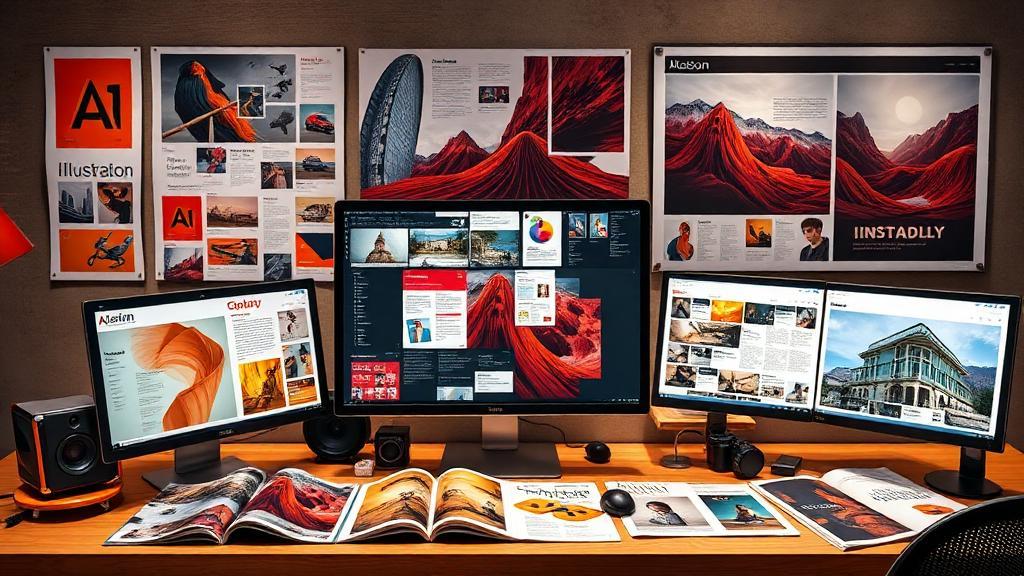
DigiAura's Adobe Illustrator & InDesign course trains you in the two Adobe Creative Suite applications essential for professional print and publication design. In Illustrator you will master vector illustration and logo design — artwork that scales to any size without quality loss, from business card icons to billboard-scale graphics — covering path creation, the Pen Tool, shape building, colour and gradient systems, and typographic treatment for branding. In InDesign you will develop multi-page layout design skills for brochures, magazines, annual reports, and books, covering typography and text flow, grid systems, master pages, image placement, and professional print pre-flight and export. Together these tools complete the core Adobe design toolkit alongside Photoshop, qualifying you for virtually any professional graphic design role in advertising, publishing, or corporate communications.
DigiAura's Illustrator & InDesign course focuses on project types that mirror real professional assignments — logo creation briefs, brand identity systems, publication layout projects, and packaging design. Graduates build a diverse portfolio demonstrating both illustration and layout competency that directly reflects the work expected in professional studio and agency environments.
The curriculum is divided to ensure you master the specialized function of each application before integrating them for complex projects.
This month focuses on creating flexible, resolution-independent artwork and brand assets.
This month focuses on assembling large-scale documents with professional layout and typography standards.
By mastering both Illustrator for creation and InDesign for presentation, you will complete the program with a robust portfolio showcasing your ability to design and deliver professional-grade materials for any modern design studio or publishing client.
You will learn Adobe Illustrator for vector illustration and graphic design (logo creation, icon design, infographics, and brand assets) and Adobe InDesign for multi-page document design (brochures, books, magazines, annual reports, and marketing collateral). The course covers professional typographic principles, layout design, color and brand consistency, and professional print and digital document preparation.
Adobe Illustrator is the tool for creating vector graphics — logos, icons, illustrations, and artwork that need to scale to any size without quality loss. Adobe InDesign is the tool for laying out multi-page documents — brochures, books, magazines, and reports — by combining text, images, and graphics into professionally designed pages. Both are essential tools for professional graphic designers, and understanding when to use each is a core competency this course teaches.
This training opens roles including Graphic Designer, Print Designer, Publication Designer, Brand Identity Designer, Packaging Designer, Illustrator, Marketing Collateral Designer, and Freelance Designer. Professionals with strong Illustrator and InDesign skills are in demand at advertising agencies, design studios, publishing houses, corporate marketing departments, and packaging design firms.
Yes, absolutely. Photoshop, Illustrator, and InDesign are the three core tools of the Adobe Creative Suite, and Photoshop experience provides a useful foundation. Photoshop is for raster image editing; Illustrator is for vector drawing; InDesign is for page layout. The three work together seamlessly in professional design workflows, and this course teaches you the tools that complement your existing Photoshop knowledge to complete your professional toolkit.
Contact DigiAura directly for current duration and batch schedule information for the Illustrator & InDesign course. The course is structured to build proficiency in both applications through hands-on design projects, ensuring you complete the program with a portfolio of professional graphic design and layout work ready to present to clients and employers.
