
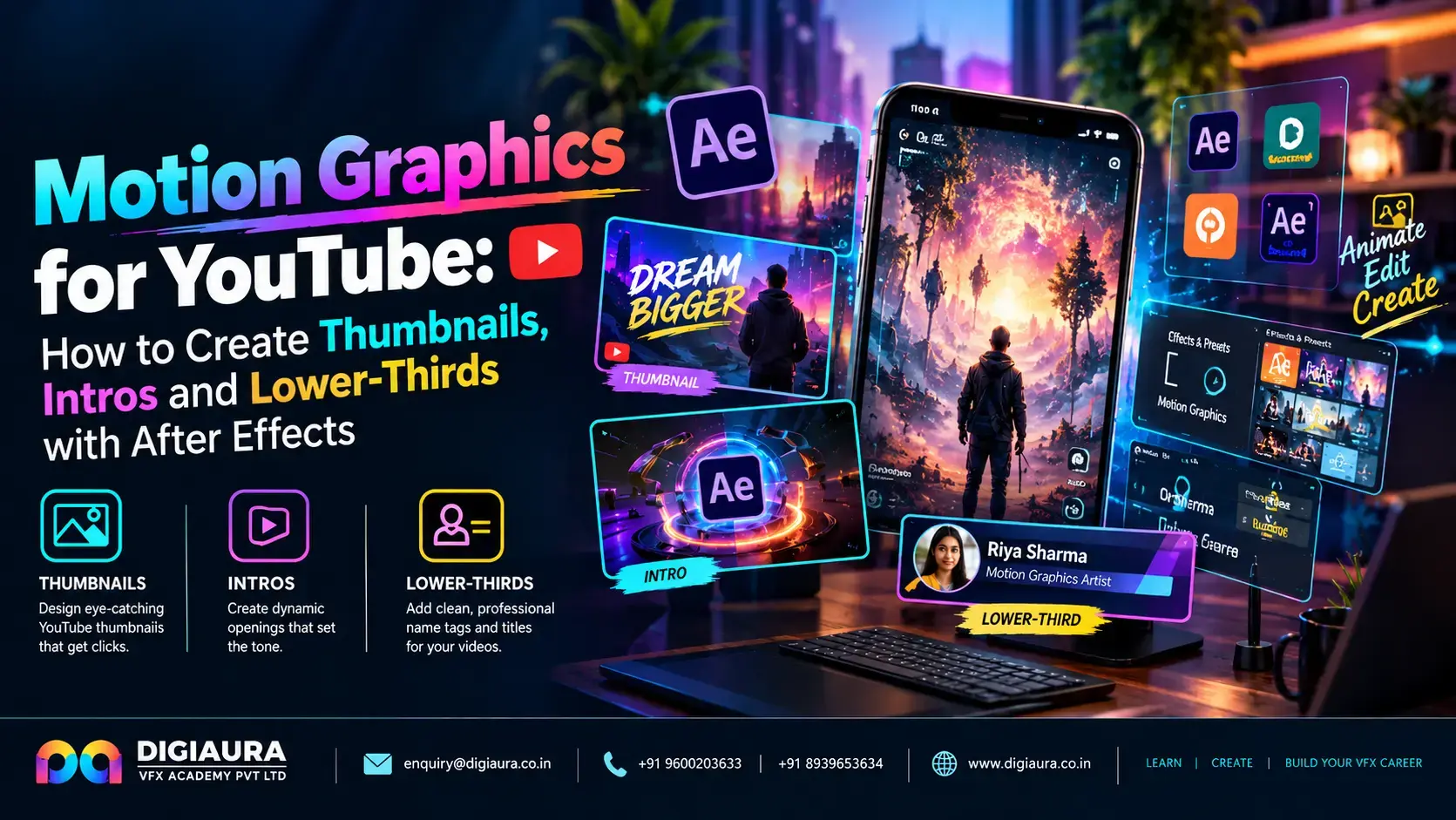
India is the world's largest YouTube audience — 518 million active users, more than double the US (Sprout Social / Statista, Jun 2026). The platform's creative ecosystem supports 18,000+ Indian channels with 1 million+ subscribers and contributed ₹18,000 crore to India's GDP in 2025 (Oxford Economics / YouTube India, Sep 2026). Every one of those 18,000+ large channels needs professional channel branding — thumbnails, intros, lower-thirds, end screens — and most can't afford a full-time in-house designer.
That's the freelance opportunity. After Effects is the tool that produces professional YouTube motion graphics — not just static thumbnail design, but animated intros, branded lower-thirds, motion text that matches a channel's identity, and production templates that editors reuse across hundreds of videos. This guide covers the complete YouTube motion graphics workflow in After Effects, with India-specific rate data and a practical Dynamic Link setup for Premiere Pro integration.
- 90% of best-performing YouTube videos use custom thumbnails — YouTube's own data confirms thumbnails are the most impactful single variable for CTR (YouTube Help Center)
- Typical YouTube channel CTR falls between 2–10%; anything above 10% is strong performance by YouTube's own benchmark (YouTube Help Center)
- YouTube's 7-second hook rule: establish value within 7 seconds or viewer intent to leave spikes sharply (YouTube Creator Insider, 2025)
- Motion graphics skills add 40–70% to a freelance video editor's per-project billing rate in India (Fueler.io, 2026)
- Adobe Dynamic Link lets you embed After Effects compositions directly in Premiere Pro timelines — no intermediate renders, changes update instantly (Adobe Help Center)
Why YouTube Thumbnails and Motion Graphics Directly Determine Channel Growth
90% of best-performing YouTube videos use custom thumbnails — a figure YouTube itself lists as an official data point in its Thumbnail & Title Tips help documentation (YouTube Help Center). The platform's own CTR data shows that half of all channels fall between 2–10% impressions CTR — meaning 2–10 clicks for every 100 times a video thumbnail appears in a feed (YouTube Help Center). Moving from 2% to 8% CTR on the same content is equivalent to quadrupling your effective organic reach.
Thumbnails drive CTR. Intros determine viewer retention. Lower-thirds establish credibility. Motion graphics unify these elements into a coherent channel brand. A VFX-trained After Effects user can deliver all four in a single client engagement — which is why YouTube channel branding packages are among the highest-margin freelance projects in India's creator economy.
Thumbnails: After Effects vs Canva Pro — The Right Tool for Each Job
The decision between After Effects and Canva Pro for YouTube thumbnails depends on output type, not software preference. Canva Pro ($12.99/month, approx. ₹1,082/month) is the correct tool for static thumbnails — fast, collaborative, browser-based, and purpose-built for image composition. A 500K-subscriber channel using Canva Pro exclusively has demonstrated 8% CTR on thumbnails consistently. For static work, Canva is faster and has no meaningful quality disadvantage over After Effects.
After Effects is the correct tool when the deliverable is animated: animated thumbnail previews used in YouTube's "hover to preview" feature, looping GIF thumbnails for embedding on external sites, or motion thumbnail assets that form part of a channel's brand system. After Effects is also the right tool when a thumbnail needs to match precisely with the channel's intro animation — shared motion design elements create a cohesive brand system that reinforces channel identity over time.
The practical recommendation for Indian VFX freelancers targeting YouTube clients: learn Canva Pro for quick thumbnail iteration (most clients want fast turnaround), and After Effects for animated assets and full channel branding packages. Both tools solve different parts of the YouTube motion graphics workflow.
Thumbnail Composition in After Effects: Setup
When thumbnails are required in After Effects (for animated work or brand-system integration), use these settings:
- Width: 1280px | Height: 720px (16:9, minimum 640×360px but 1280×720 is the standard)
- Pixel aspect ratio: Square (1.0)
- File format for export: JPEG at 95% quality (maximum upload size: 2MB per YouTube's current limit)
- Safe zone for text: Keep all text within the centre 1100×640px — YouTube's browse feed crops thumbnails on mobile, so edge content can be clipped
YouTube Intros: The 7-Second Rule and What After Effects Should Produce
YouTube's Creator Insider channel confirmed in 2025 that creators should establish value within 7 seconds — the threshold before viewer intent to leave increases sharply. YouTube's own Analytics documentation defines an "above typical" intro as one where 50% or more of the audience is still watching at 30 seconds, measured against the creator's own historical content (YouTube Help Center, Audience Retention).
These two data points define exactly what an After Effects intro should and shouldn't do. An intro that plays a 15-second branded animation before showing any content is guaranteed to fail the 7-second rule. An intro that integrates brand motion graphics into the first frame's content — channel name as an animated lower-third, kinetic title overlay on relevant footage, motion-designed hook text — adds value without delaying the viewer.
After Effects Intro Specs for YouTube
Standard YouTube intro composition settings:
- Resolution: 1920×1080px (same as the video it leads into)
- Frame rate: 24fps (cinematic feel), 30fps (standard creator), or match source footage — consistency with the main video is critical
- Duration: 5–10 seconds maximum (7 seconds or under is safest)
- Design principle: The intro should show the channel name, a brief visual identifier, and ideally a hook frame from the current video — not just a branded animation that plays independently of the content
Use After Effects' Essential Graphics panel (Window > Essential Graphics) to create Motion Graphics Templates (.mogrt) that Premiere Pro editors can use directly without opening After Effects. This workflow is especially valuable for channels producing high volumes of content with consistent branding — the template handles the design system, the editor populates it per video.
Lower-Thirds: Building Them in After Effects for YouTube
A lower-third is an on-screen graphic placed in the lower portion of the frame — typically the name of a speaker, location, source credit, or contextual label. They're a standard element in interview content, educational videos, news-style YouTube channels, and any format where identifying information adds credibility. For Indian YouTube creators in the educational, business, and interview content categories, lower-thirds are high-repeat-use assets that form part of a channel's visual language.
Building a Reusable Lower-Third System in After Effects
The correct approach is to build a master lower-third composition that other editors can modify without disturbing the animation structure:
- Create a 1920×1080 composition at your target frame rate
- Build the background graphic (bar, pill, gradient fill) as a Shape Layer — keep it parametric so colour can be changed in one place
- Add two text layers: Primary line (Name / Topic) and Secondary line (Title / Organisation) — use separate layers, not a single text block
- Animate both layers with a slide-in/fade-in on a 15–30 frame entrance and a matching exit — keyframe to the Comp's in/out points for clean trimming in Premiere
- Export as a .mogrt file via Essential Graphics for Premiere-friendly delivery
Position lower-thirds consistently: bottom of the safe zone, approximately 100px from the frame bottom and left edge. Keep text readable at 50% playback size — many viewers watch YouTube at reduced resolution on mobile.
The Dynamic Link Workflow: After Effects + Premiere Pro for YouTube Production
Adobe Dynamic Link allows After Effects compositions to be embedded directly in a Premiere Pro timeline without rendering an intermediate file — changes made in After Effects update instantly in the Premiere sequence (Adobe Help Center). For YouTube production, this means a motion graphics artist can update the channel intro, lower-thirds, or end screen while an editor works on the main cut — no export/import cycle required.
Setting Up Dynamic Link for a YouTube Project
- In Premiere Pro: File > Adobe Dynamic Link > New After Effects Composition — this creates a linked .aep project and immediately inserts it into the Premiere sequence
- Alternatively: build the AE composition first, then in Premiere use File > Adobe Dynamic Link > Import After Effects Composition
- The linked composition appears as a single clip in Premiere with the AE icon — double-click to open it directly in After Effects
- Build a YouTube Channel Template Project in After Effects with pre-made compositions for: Intro (5–7s), Lower-Third (15s), Mid-roll card (5s), Outro/End screen (15–20s) — all linked from a single Premiere template project
- For each new video, duplicate the Premiere template project and replace only the footage references — all motion graphics inherit from the linked AE comps automatically
Adobe Premiere Pro holds approximately 35% of the global video editing software market, making it the most widely adopted professional editing tool (ElectroIQ / Enlyft, 2026). Dynamic Link proficiency — combining Premiere's editing workflow with After Effects' motion graphics — is the production pipeline used by the majority of large Indian YouTube channels.
India Freelance Rates for YouTube Motion Graphics (2026)
Motion graphics skills add 40–70% to a freelance video editor's per-project billing rate in India (Fueler.io, 2026). Here's what the YouTube-specific market looks like for After Effects freelancers in 2026.
For a VFX graduate entering the YouTube freelance market, channel branding packages are the highest-margin entry point — a single package combining intro animation, lower-third system, end screen, and 10 thumbnail templates typically bills ₹18,000–25,000 and takes 3–5 days to produce for an experienced After Effects user. Recurring work (thumbnail delivery per video, monthly lower-thirds updates) builds stable retainer income on top of project fees.
For context on how YouTube motion graphics fits into the broader social media VFX income picture, read our complete guide to using VFX skills for social media income. For Reels-specific techniques, see our guide to VFX effects for Instagram Reels in 2026.
Frequently Asked Questions
Should I use After Effects or Canva Pro for YouTube thumbnails?
Canva Pro ($12.99/month) is the faster, more practical tool for static thumbnails — it's browser-based, collaborative, and purpose-built for image composition. After Effects is the correct tool when you need animated thumbnails, or when thumbnails must match precisely with a channel's intro animation system. For most freelance thumbnail-only briefs, Canva Pro delivers faster results without quality loss. Use After Effects for channel branding packages where motion design consistency is required.
How long should a YouTube intro be in 2026?
5–10 seconds maximum — 7 seconds or under is safest. YouTube's Creator Insider channel confirmed in 2025 that viewers decide whether to stay or leave within 7 seconds. YouTube Analytics defines an "above typical" intro as one where 50%+ of viewers are still watching at 30 seconds. A 15-second standalone animated intro plays before any content and almost certainly fails this benchmark. The best-performing intros integrate branded motion graphics into the first frames of actual content, not before it.
What is Adobe Dynamic Link and why does it matter for YouTube production?
Adobe Dynamic Link embeds an After Effects composition directly in a Premiere Pro timeline without needing to render an intermediate file. Changes made in After Effects update instantly in Premiere. For YouTube production, this means your lower-thirds, intro, and end screen are all live-linked from After Effects — update the brand colour in one AE composition and it propagates through every video in your Premiere project automatically. This is how large Indian channels maintain consistent branding across hundreds of videos efficiently.
What does a YouTube channel branding package include?
A standard branding package covers: animated channel intro (5–10 seconds), lower-third template system (2–3 variants), animated end screen (15–20 seconds), and a set of custom thumbnail templates (typically 10 per package). Some packages include a channel banner and social media header adaptation. In India, branding packages from experienced After Effects freelancers average ₹18,171 in marketplace bids, ranging from ₹12,500 to ₹37,500 depending on complexity and turnaround time (Freelancer.com, 2026).
Can a VFX student freelance for YouTube channels immediately after graduation?
Yes, with a focused portfolio. A VFX student who can demonstrate 2–3 polished channel branding concept demos — an animated intro, a lower-third system, and 3–5 thumbnails — has a commercially viable portfolio immediately. Motion graphics skills from VFX training apply directly to YouTube production. The first clients are typically small channels (10K–500K subscribers) where briefs are flexible and quick iteration is valued over agency-level production timelines.